Products

What we make

Six things so far. Two games, two operating systems, a TV box and a programming language. PLUMMETO 2 is on the way.

Game

GRAZE

Get close. Stay alive. A one-more-try arcade game about flying as near to danger as you dare.
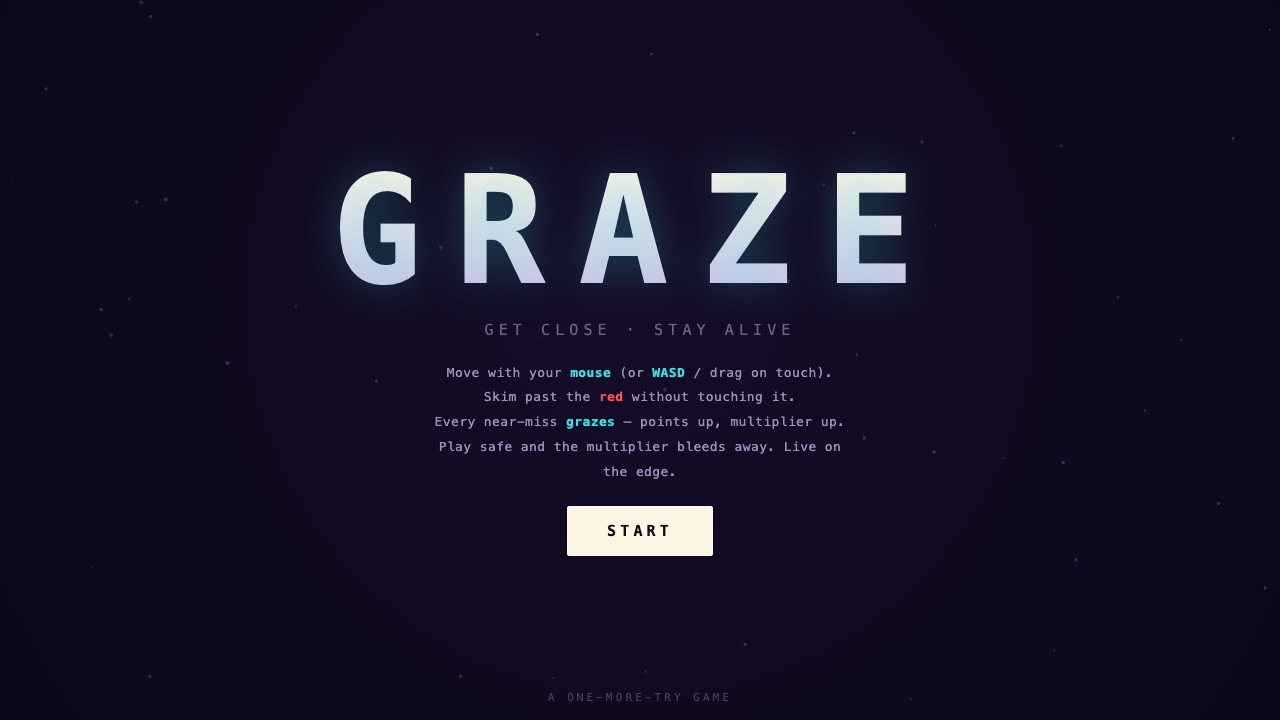
The GRAZE title screen
  • Skim past the red without touching it.
  • Every near-miss is a graze: points go up and so does your multiplier.
  • Play it safe and the multiplier bleeds away.
  • Move with a mouse, WASD or a finger on a touch screen.
  • It gets faster the longer you last.
Operating system

Plum Linux 1.7 (dev)

Some laptops break. Most get replaced. This one got its own operating system.

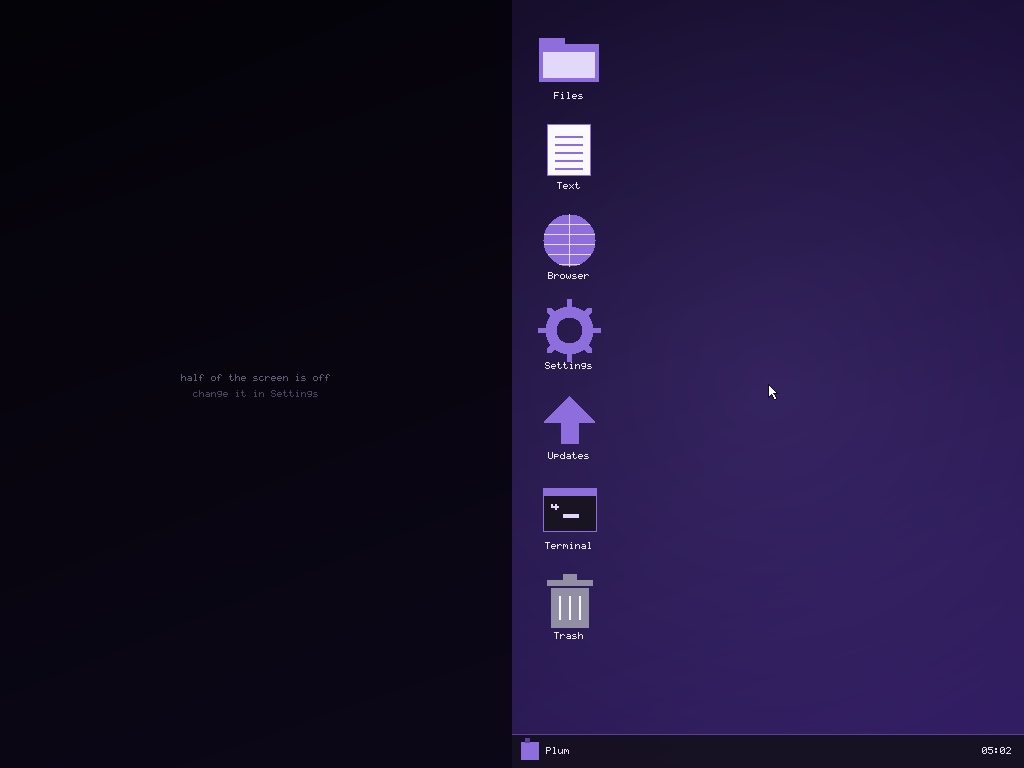
Plum Linux is written from scratch for a ThinkPad with half a dead screen. The init, the compositor and every app are our own code.

How to install

  1. Download the ISO from the Buy page.
  2. Open balenaEtcher and choose the ISO.
  3. Pick your flash drive and flash it.
  4. Plug the drive into the computer you want to use.
  5. Press F12 while it boots, choose the drive, and you are in.

Flashing wipes everything on the flash drive, so use an empty one.

The Plum desktop running on half a screen, with the other half switched off
  • Broken screen mode: tell Plum which half of the panel works.
  • Files, Text, Settings, Updates and Terminal, all written for Plum.
  • A 40 MB download that runs entirely in memory.
  • No systemd and no X11.
  • Six accent colours, applied the moment you save.
  • Eject the boot media and it keeps running.
  • Files and Trash refuse to delete system folders.
TV box

LPPTV

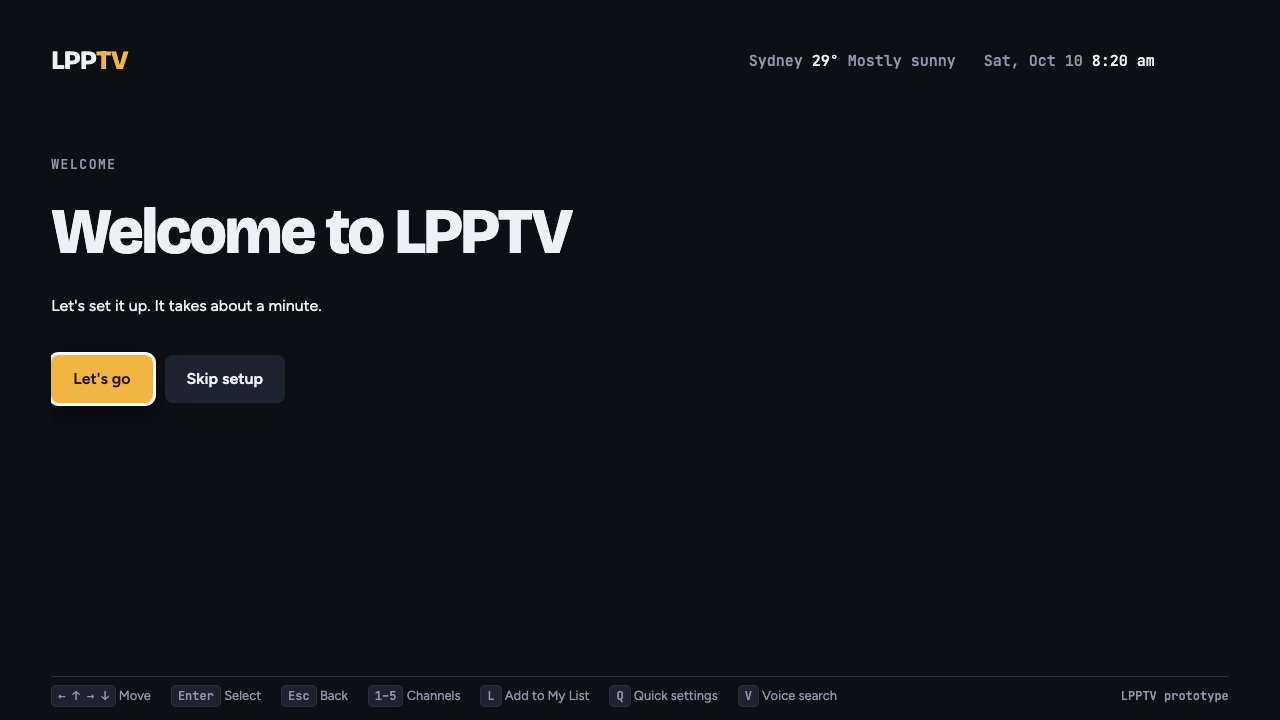
Turns an old laptop or desktop into a TV box. Plug it into a screen with HDMI and it opens full screen, ready to flip through channels.

The LPPTV welcome screen
  • Works on Windows, Mac, Linux and Raspberry Pi.
  • Driven by arrow keys, a cheap air-mouse remote, or your phone.
  • Can start by itself when the computer turns on.
  • Sound goes to the screen over HDMI.
  • Needs a computer from about the last ten years, an HDMI cable and internet.
  • Comes with setup guides for each system.
Programming language

PigScript

A small language for making games in the browser. Sprites drawn as text, particles, glow, screen shake, a camera and melodies, in a few lines.

  • Variables, functions, closures, arrays and maps.
  • A built-in game loop, with keyboard and mouse input.
  • Sound and melodies written as notes.
  • Learn it in 60 seconds from the guide on the page.

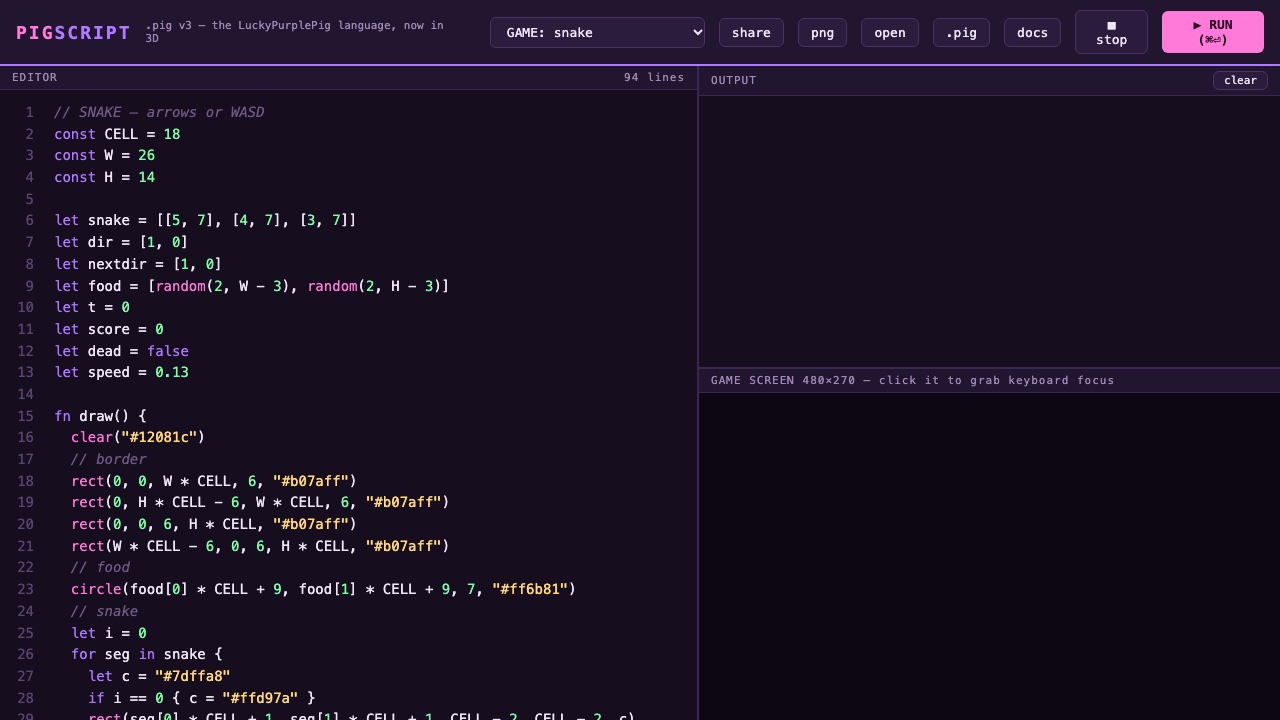
The games come built in. Pick one from the menu at the top, such as Snake or Pigcraft, and press Run.

The PigScript editor with the Snake game loaded
// a pig, in PigScript
let pig = [
  "..PP..PP..",
  ".PPPPPPPP.",
  "PPWPPPPWPP",
  "PPPPSSPPPP",
  ".PPPSSPPP.",
  "..PP..PP.."
]
onframe(fn(dt) { x += 60 * dt })
Operating system

LPPos 0.4

A Windows 10 style Linux with no bloat. It boots from one 80 MB ISO, signs in as Bob the Nutman and comes with the LPP Arcade.

  • The whole desktop is one C program we wrote, drawing straight to the screen. No X, no Wayland.
  • Start menu with search, taskbar, snapping windows, File Explorer, Notepad, Terminal, Task Manager and Settings.
  • Wi-Fi with WPA2 and WPA3, sound, and a choice of screen resolutions.
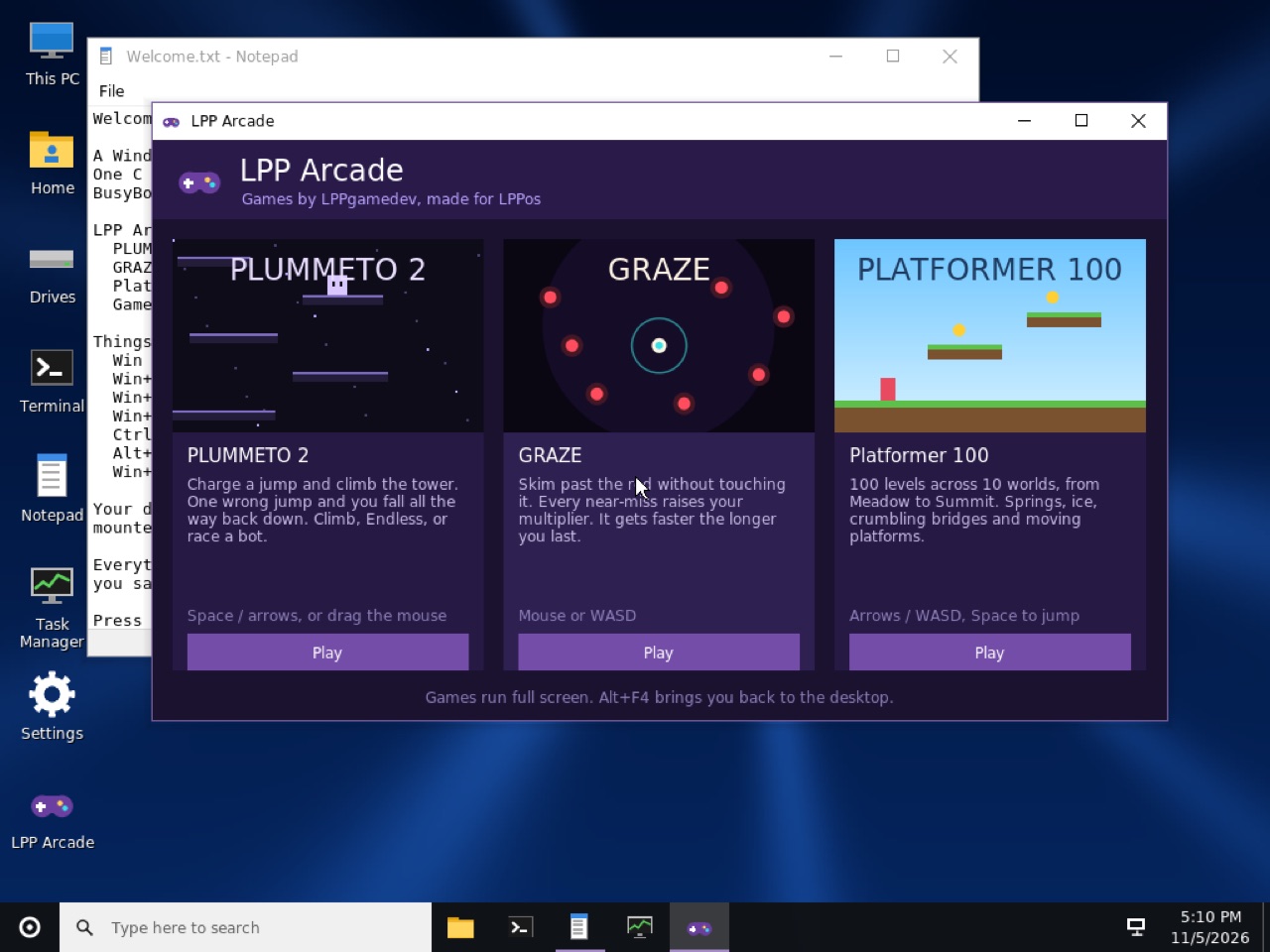
  • The LPP Arcade: PLUMMETO 2, GRAZE and Platformer 100, full screen.
  • Runs from a USB stick, or installs onto a disk.

Flash it to a USB stick with balenaEtcher, the same way as Plum Linux.

The LPPos desktop with the LPP Arcade open
Game · coming soon

PLUMMETO 2

The sequel, rebuilt in a real game engine. Charge a jump and climb the tower. One wrong jump and you fall all the way back down.

  • Climb, Endless and Race a Bot.
  • Online play through our own server.
  • You can already play it in the LPP Arcade on LPPos.

More from us

Linux in a tab

Pocket Linux

A real Linux that runs inside any browser. One 13 MB file, nothing to install.

Download the zip

Mac

Ooga Pet

A tiny caveman who lives on your screen. He walks on the Dock, climbs windows, naps when you are idle and eats files you drag onto him. He burps them back, unharmed.

Download

Guide

The Full Guide to Operating Systems

A 39-page PDF. What an operating system is, which one you have, and how Linux and Windows work and install.

Read the PDF

Learn

Gambit

Learn chess one move at a time, in short lessons.

Download the zip

Game engine

Caveman Engine

A tiny 2D game engine in one JavaScript file, with a demo.

Download the zip

Kernel

tinykernel

A very small arm64 kernel that boots in QEMU and talks over the serial port. Source code.

Download the source

Social

LPP Social

Our own small social network.

Open LPP Social

Older

Game · no longer updated

PLUMMETO

PLUMMETO is no longer being updated. It grew too bloated to keep fixing, so we are not acting on complaints or bug reports about it. It is still free to download as it is.